Virtual bank cards for everyday use: shopping, subscriptions and security

Understand what a virtual card does
A virtual bank card provides payment details in digital form, typically a card number, expiry date and security code. Depending on the issuer, it may draw on an account balance, a prepaid balance or a credit facility. The word virtual describes the card’s format; it does not establish its fees, spending rules or consumer protections.
Its everyday appeal is practical: you can pay online without taking a physical card out of your wallet. Some issuers offer additional cards, spending controls or temporary details. These are optional features, so check what your particular card supports before building a routine around them.
This guide describes general card scenarios, not confirmed TopSend card features. TopSend is an international money transfer service; the guidance here does not establish that it issues virtual cards or supports any particular wallet. Keep card purchases and money transfers separate when checking costs and conditions.
Pay for online purchases carefully
Start with the shop, not the payment form. Check the seller’s identity, return policy, contact information and final price. A secure connection is useful, but it does not prove that a merchant is trustworthy. Open the store directly rather than through an unexpected payment link in a message.
- Confirm the order total, billing currency, delivery costs and any recurring payment agreement.
- Enter the card details only in the merchant’s legitimate checkout. Use the billing information registered with the issuer.
- If authentication is requested, read the merchant name and amount before approving it in the issuer’s official channel.
- Save the receipt and check the transaction in your account. Avoid storing card details at shops you rarely use.
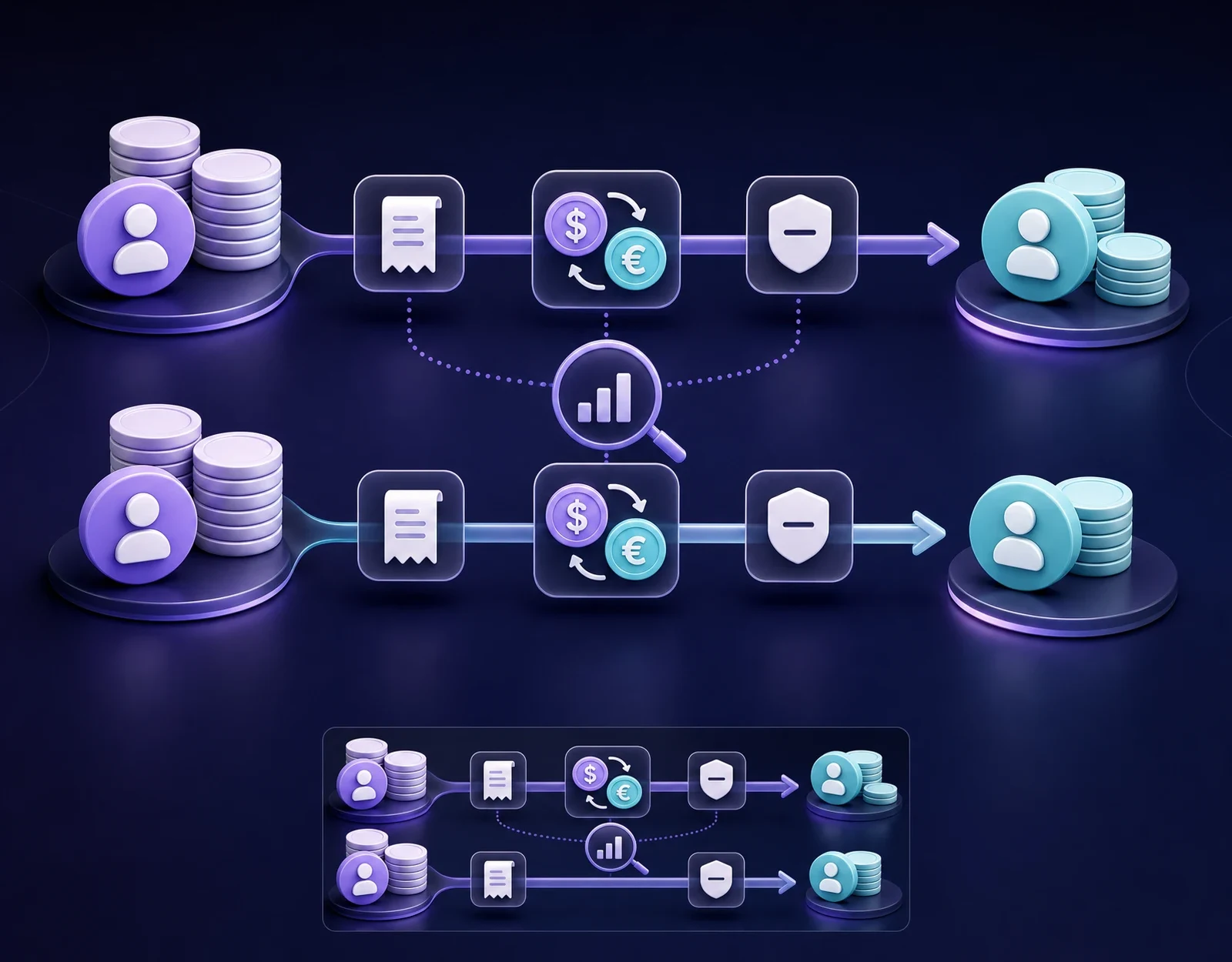
For purchases in another currency, compare any offered conversion with the issuer’s exchange terms and possible fees. Do not assume that displaying the price in your familiar currency makes it cheaper. A small verification authorisation or pending payment may temporarily reduce available funds; check its status before trying again.
Keep subscriptions under control
A virtual card can help organise recurring payments if the issuer allows a separate card for that purpose. Reusable details are generally more suitable for subscriptions than single-use details, but compatibility depends on both the issuer and the merchant. Check recurring payment support before starting a trial.
Keep a simple list of each service, billing currency, renewal date, expected amount and cancellation method. Put a reminder before a free trial ends or an annual plan renews. Review whether the next charge includes a price increase, tax or the end of a promotional discount.
Freezing or deleting a card does not cancel a subscription or remove an outstanding obligation. Cancel through the merchant’s process and keep the confirmation. Depending on the payment arrangements, updated card details may reach participating merchants, so replacement alone is not a reliable cancellation method.
When replacing a card, update services you want to keep and check the next payment. If a renewal fails, resolve it through the service’s official account page rather than a payment link in an unexpected message.
Build a realistic spending plan
Begin with categories such as household purchases, entertainment and work expenses. Where separate virtual cards or adjustable limits are available, they can make those categories easier to track. Check whether the controls apply per transaction, per day or over another period, and whether recurring payments are treated differently.
For a general budgeting example, imagine allocating 200 currency units per month: 120 for purchases, 50 for subscriptions and 30 as a reserve. These are illustrative amounts, not TopSend limits or recommendations for every household. Adjust your plan to your income and actual commitments.
Track completed transactions alongside pending authorisations and upcoming renewals. An available balance can be lower than the account balance because funds are reserved. A card limit also does not necessarily ring-fence money: several cards may draw from the same account.
Review spending regularly and reconcile refunds separately. If you fund purchases through a currency exchange or an international transfer, include that operation’s total cost in your budget. Moving money and paying a merchant are separate steps, each with its own conditions.
Prepare for limitations, declines and refunds
Acceptance depends on the merchant, card type, issuer rules and transaction. Some bookings require a deposit or presentation of a physical card at collection or check-in. Verify this before reserving accommodation or transport, and arrange a suitable alternative when needed.
In-store contactless payments require compatible wallet support and an eligible device and card. A virtual card number alone does not confirm Apple Pay or Google Pay compatibility. Cash withdrawals and payments without an immediate online connection may also be unavailable.
If a payment is declined, check the available balance, card status, expiry date, entered details, spending controls and authentication request. Avoid repeated attempts while an authorisation is pending. Contact the issuer through an official channel if the cause remains unclear; a different card cannot resolve every merchant restriction.
For a refund, follow the merchant’s process and retain the order and refund references. Ask the issuer how refunds are handled if the card has expired or been deleted. Timing depends on the parties involved, and a pending reversal differs from a refund of a completed payment. For currency purchases, exchange movements and fee rules can affect the amount returned.
Make security part of your routine
Protect the account behind the card as carefully as the card details. Use a unique password, enable stronger authentication where available, keep your device updated and turn on transaction notifications if supported. Never send card details, security codes or one-time passwords to someone claiming to provide support.
When sharing a payment screenshot, use a copy with card numbers, security codes, names, contact details and transaction identifiers removed. Check the final image before sending it. Cropping only the visible card area may leave personal information elsewhere on the screen.
If you notice an unfamiliar charge, freeze the card if that option is available, contact the issuer promptly and report the transaction through its formal process. Check whether the merchant uses a different billing name, but do not delay reporting suspected fraud. Keep relevant messages and receipts; dispute eligibility and deadlines vary.
Before your next payment, check the merchant, amount, currency and renewal terms. For an international money transfer, open TopSend and review the available transaction conditions separately from your card’s terms.