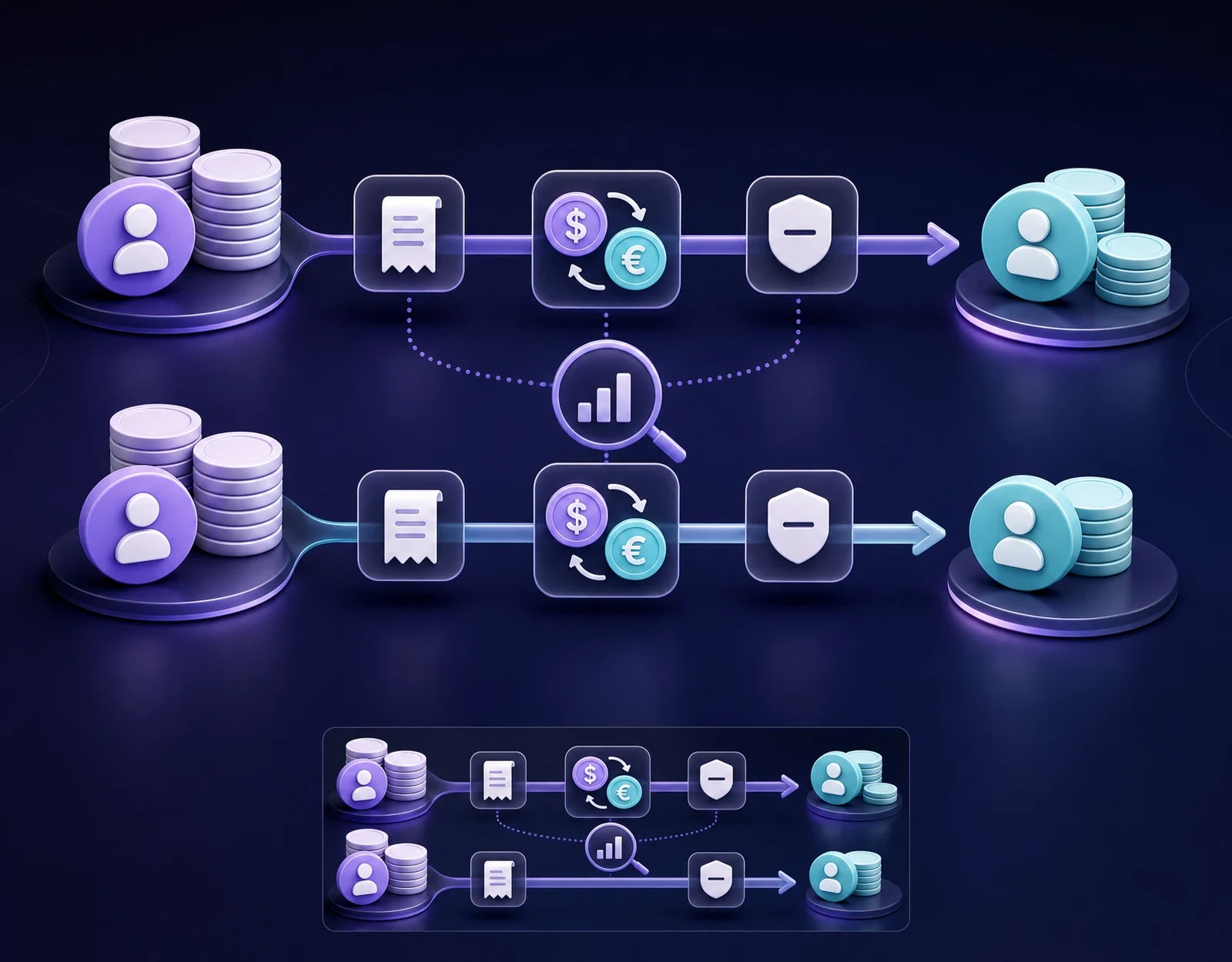
How to Send Money Easily with TopSend: A Step-by-Step Guide

Sending money in TopSend is easier when you prepare the recipient’s details before you begin and pause for one final review before confirming. The app guides you through the fields required for the selected transfer. Exact payment methods, delivery options, currencies, fees, limits, and processing estimates can vary, so treat the information shown for your specific transaction as the source of truth.
Before you start: prepare the essentials
Ask the recipient how they need to receive the money and copy their details from a reliable source. Depending on the destination and delivery method, the app may request their full legal name, phone number, bank or card details, account number or IBAN, banking code, address, or transfer purpose. Enter only the fields requested on screen.
- Check that the recipient’s name matches their bank account or identity document.
- Confirm the destination country and the currency they expect to receive.
- Keep your own identity and payment details available in case verification is required.
- Use the official TopSend app or website and a trusted internet connection.
If someone unexpectedly sends new payment details, confirm the change through a contact method you already trust. This quick check is especially important before sending to a new recipient.
1. Start a new transfer
Open TopSend, sign in, and choose the option to begin a transfer. Select the destination and enter the amount you want to send or the amount the recipient should receive, according to the fields available on screen. If the app offers several payment or delivery methods, compare them for the transaction you are making.
Do not rely on an old screenshot or a quote from a previous transfer. Currency conversion and available options may change. Use the current calculation displayed in the app and check how long that quote remains valid, if an expiry is shown.
2. Add the recipient carefully
Choose an existing recipient only after checking that their saved details are still current. For a new recipient, type or paste each requested field exactly as it appears in their reliable banking record or document. Pay particular attention to names written in Latin characters, account numbers, IBANs, card numbers, and banking codes.
Before continuing, read the details back to the recipient or compare them character by character. Autocomplete, copied spaces, and one incorrect digit can send a transfer into review, delay it, or direct it incorrectly. Never guess a missing field.
3. Review the complete transfer summary
The confirmation screen is your final checkpoint. Read it from top to bottom instead of looking only at the amount you entered. Review every item that TopSend displays for the transaction, including:
- the sender’s total payment;
- the recipient’s expected amount and currency;
- the exchange rate and any displayed fee;
- the payment and delivery methods;
- the recipient’s name and destination;
- any limit, estimate, warning, or additional requirement shown on screen.
If something differs from what you expected, go back and correct it before payment. A small pause here is usually easier than trying to fix incorrect details after confirmation.
4. Confirm and complete the on-screen steps
When every detail is correct, confirm the transfer and follow the payment and verification steps displayed by TopSend. The exact sequence can depend on the transaction. You may be asked for additional information or documents; submit them only through the official app or website.
Do not share your password, PIN, or one-time security code with the recipient or anyone claiming that they need it to release the money. TopSend support may need information that identifies the transaction, but you should never send credentials that provide access to your account.
5. Keep the confirmation and follow the status
After confirming, keep the transaction confirmation and any reference shown in the app until the recipient confirms the correct amount has arrived. Use the status presented in TopSend for that transaction. Remember that a submitted or processing status does not necessarily mean the money is already available to the recipient.
If the transfer takes longer than the estimate displayed for your transaction, the recipient details appear wrong, or you suspect fraud, contact TopSend through an official support channel promptly. Having the reference, date, amount, and recipient name ready will make it easier to identify the transfer.
A simple routine that prevents common mistakes
- Prepare and verify the recipient’s details before opening the form.
- Use the current in-app calculation for the exact amount and destination.
- Check the expected received amount, rate, fees, and available method.
- Compare the recipient’s name and payment details one last time.
- Confirm only when no one is pressuring you to act immediately or secretly.
- Save the confirmation until the transfer is complete.
That is the easiest way to use TopSend: prepare, enter, review, and confirm. The app handles the flow, while your most important job is to provide accurate details and approve only the transaction you intended to make.