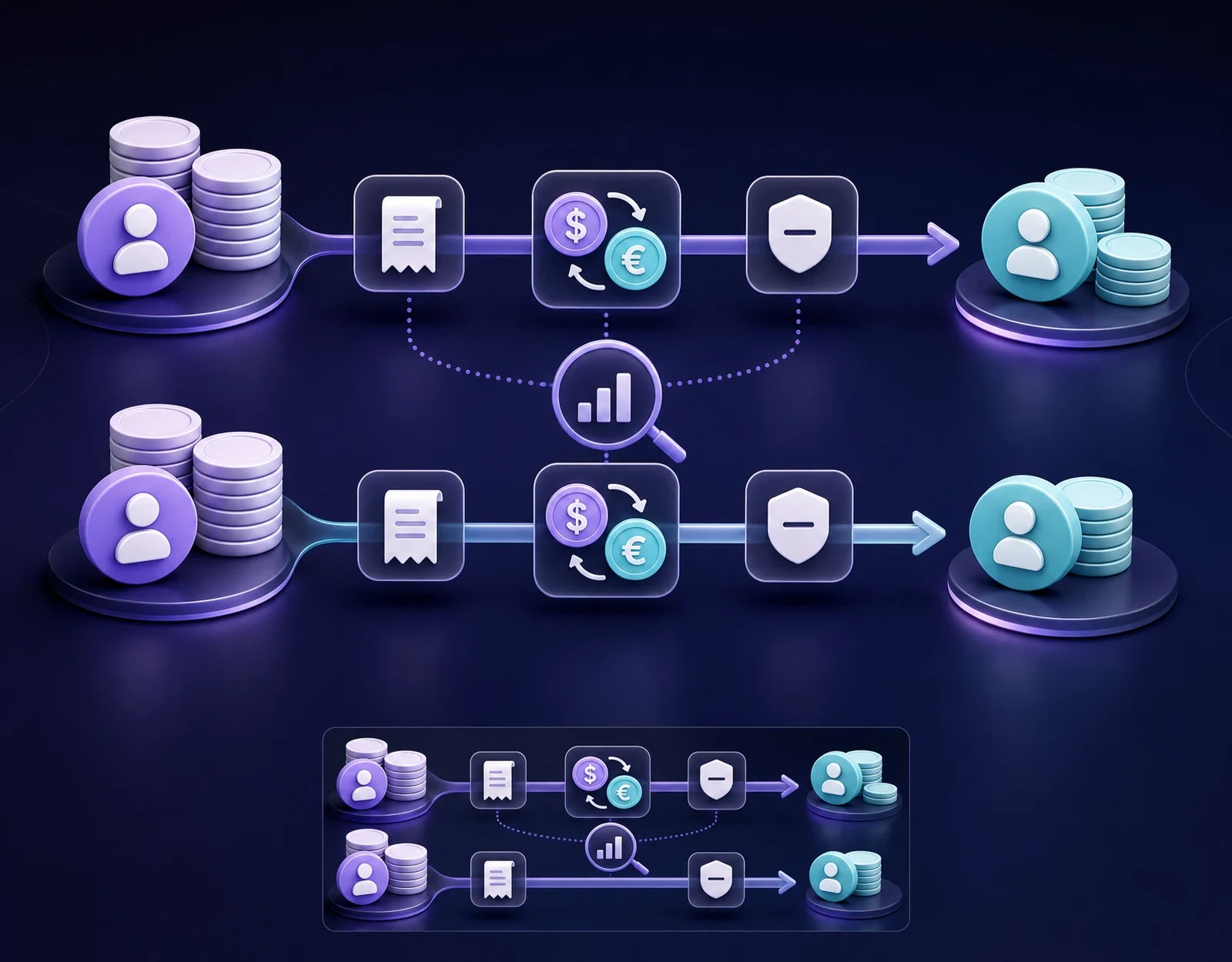
How to Top Up a Mobile Phone Online: A Practical Guide

An online mobile top-up lets you add prepaid airtime, credit, or an eligible bundle to a phone number without visiting a shop. It is useful when your own balance is low, when a family member needs help, or when you want to recharge a number in another country.
The process is usually short, but one wrong digit or the wrong operator can send the top-up to the wrong destination. This guide explains the basic flow, the checks that matter, and how to use TopSend without relying on guesswork.
What is an online mobile top-up?
A mobile top-up is a payment that adds value to a prepaid mobile account. Depending on the operator and country, that value may appear as general airtime credit or as a specific data, voice, or messaging package. Available products and denominations are shown during the transaction.
TopSend offers mobile top-ups for major operators across more than 180 countries. Availability is route-specific, so the options shown after you select the destination country, operator, and number are the ones to rely on.
What you need before you start
- The complete mobile number. Include the correct country code when the form requests it.
- The destination country. Use the country where the mobile number is registered, not necessarily where the recipient is currently located.
- The mobile operator. Confirm it with the recipient if the service does not identify it automatically.
- The desired top-up. Choose only from the amounts or bundles displayed for that number.
- A funded TopSend account. The funding options available to you are shown in the interface.
How to top up a mobile phone with TopSend
- Open TopSend and sign in. Use the official web, mobile, or Telegram interface available to you.
- Choose Mobile Top-up. If the feature is not displayed for your account or route, do not try to substitute a different payment type.
- Select the country and operator. Check that both match the number you intend to recharge.
- Enter the mobile number. Review every digit, including the country code. Avoid copying spaces or an extra local trunk prefix if the form already supplies the international code.
- Select an available amount or bundle. Read the description carefully so you know whether the recipient gets general credit or a specific package.
- Review the final details. Check the number, operator, product, currency, and total shown before confirmation.
- Confirm the top-up. Keep the transaction status or receipt until the recipient confirms the updated balance. TopSend describes confirmation as instant, although the recipient’s visible balance can still depend on the operator.
How to top up someone else’s phone
The same flow can be used for a relative, friend, or colleague. Ask the recipient to send the number in international format and to confirm the operator. If number portability is common in that market, do not infer the operator from the number prefix alone.
For an international top-up, select the country where the SIM or mobile account was issued. A person may be travelling elsewhere, but the top-up still belongs to the original mobile account. Tell the recipient the selected amount or bundle before paying so expectations are clear.
Checks to make before payment
- Read the mobile number aloud or compare it with a recent message from the recipient.
- Confirm the country and operator independently.
- Check whether the selection is airtime credit or a bundle with a limited allowance or validity period.
- Review the currency and final amount displayed in TopSend.
- Do not continue if the product details are unclear or the number belongs to an unknown person.
Mobile top-ups are often difficult to reverse after they reach the operator. A careful review before confirmation is therefore more useful than trying to correct an avoidable error later.
Common top-up problems
The balance is not visible yet
First, check the transaction status in TopSend and ask the recipient to refresh the operator app, restart the phone, or check the balance using the operator’s normal method. Keep the receipt and contact support if the status or balance remains unclear.
The operator or number looks wrong
Do not confirm the transaction. Return to the previous step and verify the details with the recipient. If a completed top-up was sent to incorrect details, save the transaction information and contact support promptly, but do not assume that recovery is possible.
The expected bundle did not apply
Check the product description. General airtime credit and data bundles are different products, and operator rules may determine how credit is used. The exact item shown before payment should guide your choice.
How to top up safely
- Open TopSend only through its official interfaces.
- Use a strong password and enable two-factor authentication where available.
- Never share a password, one-time code, or recovery phrase with someone asking for a top-up.
- Be cautious when an unfamiliar person creates urgency or asks you to recharge several numbers.
- Keep your receipt, but do not publish account details or transaction identifiers.
Final checklist
Before confirming, make sure you have the correct destination country, operator, full mobile number, top-up product, currency, and total. Online mobile top-ups are convenient because they can support your own phone or someone abroad in a few steps. The safest habit is simple: rely on the live options in TopSend, review every detail, and confirm only when everything matches.